Customer Feedback
Part of DTC customer feedback
Separating product defects from expectation mismatches
Compare the customer's expectation, the listing and the delivered item to investigate complaints without prejudging the cause or remedy.
To understand a complaint, compare three things: what the customer was led to expect, what the product specification says, and what the delivered item does. A physical fault and an expectation mismatch can occur together. Use the distinction to find the cause and prevent repeats, while assessing the customer's request on its own facts.
Establish the expectation
Save the product page, images, size guide, packaging claims and relevant support advice as they appeared when the customer bought the item. Ask what use the customer had in mind and which statement or image informed it. Do not assume that the current page is identical to the page they saw.
Then check the exact variant and version delivered. A mismatch can arise because the wrong item was dispatched, a specification changed, a description was inaccurate, or a limitation was too hard to find. Calling all of these “customer misunderstanding” would conceal different fixes.
ACCC Consumer Rights Overview (Australia)
- Consumer guarantees apply to all goods
- Under Australian Consumer Law (ACL)
- Right to repair, replace or refund
- If a product is faulty or doesn’t meet expectations
- Product safety responsibilities
- Businesses must ensure products are safe and fit for purpose
- No legal advice from ACCC
- ACCC does not resolve individual disputes
Examine the item and conditions of use
Ask the customer to describe what happened, when and under what conditions. Request photos, measurements or an inspection when they can answer a specific question. Compare the account with the product record, care instructions and any relevant quality checks. Do not turn an unverified explanation, such as “probably used incorrectly”, into a finding.
| What the evidence suggests | Working label | Next investigation |
|---|---|---|
| The item fails under a use it was sold to perform | Possible product fault | Inspect the item and check other units or batches. |
| The item works to specification but a listing promised more | Description mismatch | Identify every affected claim and version of the page. |
| The item works as described but the intended use was unclear | Expectation gap | Check where the relevant limit was presented. |
| Both the item and the description may be wrong | Mixed or unresolved | Investigate both routes; do not force one code. |
These are internal investigation labels. They do not determine whether consumer guarantees apply or which remedy is due. The ACCC says it does not resolve individual disputes or give legal advice about a particular situation.
Record the customer's account before assigning a cause. Assess any reported mismatch or concern against the item and the available evidence.
Route the finding to the right owner
A confirmed or plausible physical fault goes to the product or quality owner, with the variant and batch recorded where available. A description mismatch goes to the owner of product content, who should check every affected surface. An unclear use instruction may need both a content change and a product-design review. Escalate a possible safety issue promptly under the business's product-safety process.
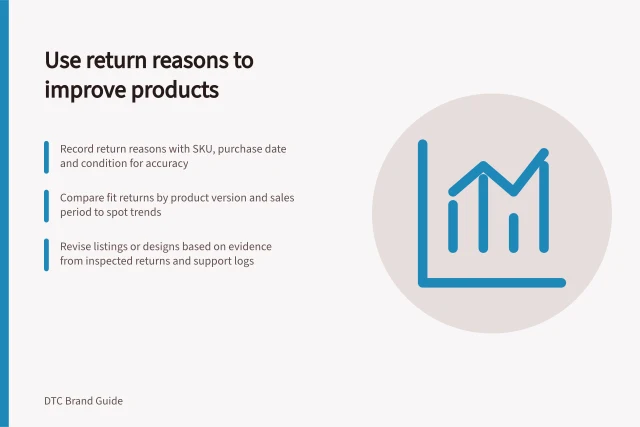
Close the customer's case with a clear response about their item. Keep the internal cause open if it is still being investigated. After a change, check whether similar reports continue for the relevant version; a lower count without comparable sales and reporting context does not establish that the problem has disappeared.
![Customers told on product changes: Revised version [version] introduced from [batch or release date] after customer feedback; Confirmed change: [feature] updated to address [issue], with inspection work also contributing; Support contact: [route] for customers to check their item's version and report performance. Telling customers when their feedback led to a product revision](/covers/telling-customers-when-their-feedback-led-to-a-product-revision-640.webp?v=4d228db0)