Customer Feedback
Part of DTC operating dashboards
Separating first-time and returning customer revenue
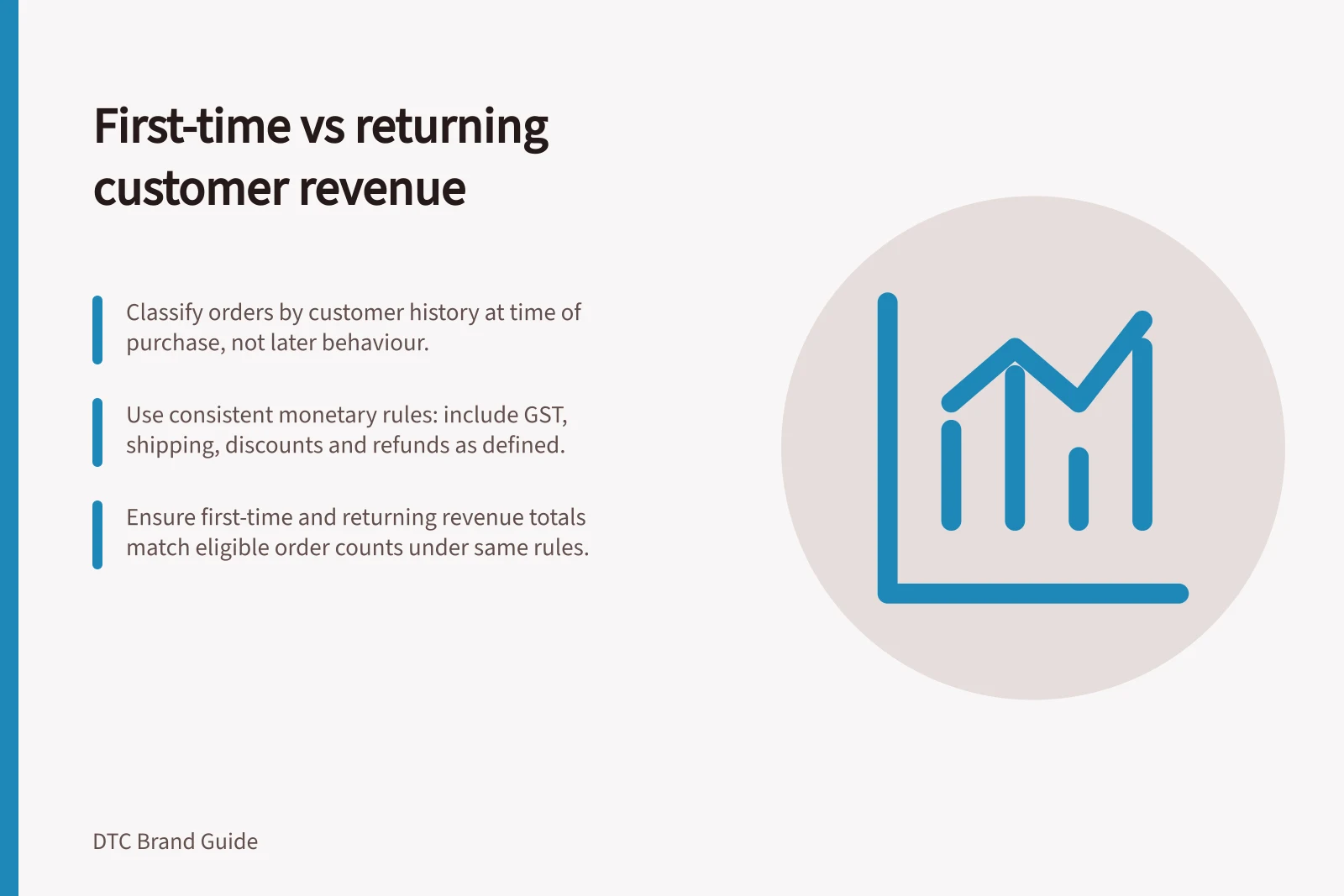
Classify revenue by each order's customer history, handle later refunds consistently and keep customer counts separate.
Classify each eligible order by the customer's known order history when that order was placed. Revenue from a first order goes in the first-time group; revenue from a later order goes in the returning group.
Before comparing the totals, state which orders and monetary fields are included, and how later refunds are handled. Counting customers who have ever returned answers a different question.
Classify orders before adding revenue
Use an order identifier, order date, customer identifier and monetary fields. Define the history in scope, including channels or imported orders if they are included. A customer who places first and second orders in the same week contributes one order to each group. Do not reclassify the first order because the person bought again.
Decide how guest checkouts and duplicate records are matched. Put uncertain matches in an unknown group and show its size. Also define the treatment of cancelled, unpaid and test orders. Shopify's sales reports can include pending, unpaid and cancelled orders, while test orders are excluded; a report total should not silently become a paid-order total.
Shopify's New vs returning customers report counts people, not revenue. Check the fields, filters and matching in the actual store before using them in a sales analysis.
Steps to Classify Customer Revenue Accurately
- Identify order and customer dataUse order ID, date, customer ID, and monetary fields from Shopify reports.
- Define order history scopeInclude channels or imported orders if applicable; exclude test orders.
- Match guest checkouts and duplicatesUse consistent matching rules; place uncertain matches in 'unknown' group.
- Exclude cancelled, unpaid, and test ordersEnsure report totals reflect only valid paid orders unless otherwise stated.
Pros and Cons of Using Shopify's New vs Returning Customers Report
- ProsProvides clear segmentation by customer type; integrates with native Shopify analytics; useful for campaign tracking.
- ConsCounts customers, not revenue; may include unverified guest sessions; does not handle refunds consistently without custom setup.
Fix the revenue and refund rule
Choose product net sales or a broader order amount that includes delivery and other charges. State discounts, refunds, shipping and GST treatment consistently. Shopify defines net sales as gross sales less discounts and sales reversals; total sales includes additional components. Neither label defines what this dashboard means by customer revenue without the team's chosen scope.
- Trading-period view:show a reversal when it was processed and, where the original order can be linked, assign it to that order's original category.
- Order-outcome view:show the original order's retained amount after linked reversals through a stated data date.
A weekly trading figure may therefore move because of an earlier order's refund.
Revenue Treatment Rules for Refunds and Reversals
- Net Sales Definition (Shopify)Gross sales less discounts and sales reversals
- Total Sales InclusionIncludes delivery charges, taxes (GST), and other fees
- Refund Handling – Trading Period ViewReversal recorded when processed; assigned to original order’s category
- Refund Handling – Order Outcome ViewOriginal order amount retained after linked reversals up to a stated data date
Reconcile and interpret
For a classification example, suppose one buyer places a first order worth $100 and a later order worth $60 in the period, while another buyer places a first order worth $80. Before refunds and on the same assumed monetary basis, first-time order revenue is $180 and returning order revenue is $60. There are two first orders, one later order and two distinct buyers. These figures illustrate arithmetic only.
The first-time, returning and unknown groups should add to the same eligible order total under the same monetary and timing rules. Investigate differences in eligibility, customer matching, cancelled orders, filters or linked reversals. Compare the split with order contribution and acquisition spending separately. Returning revenue is not automatically profit, and the split alone cannot show whether a campaign created additional buyers.
Use a fall in first-order revenue to prompt checks of new-buyer order counts, availability and the offer. Use a rise in later-order revenue to ask which original customer groups have had time to reorder. This period split describes current orders; cohort analysis follows an original group over time.