Launch Operations
Part of DTC launch operations
Testing the customer experience before public launch
Use realistic purchase cases to check product choice, checkout, confirmation and support before opening a DTC store to public traffic.
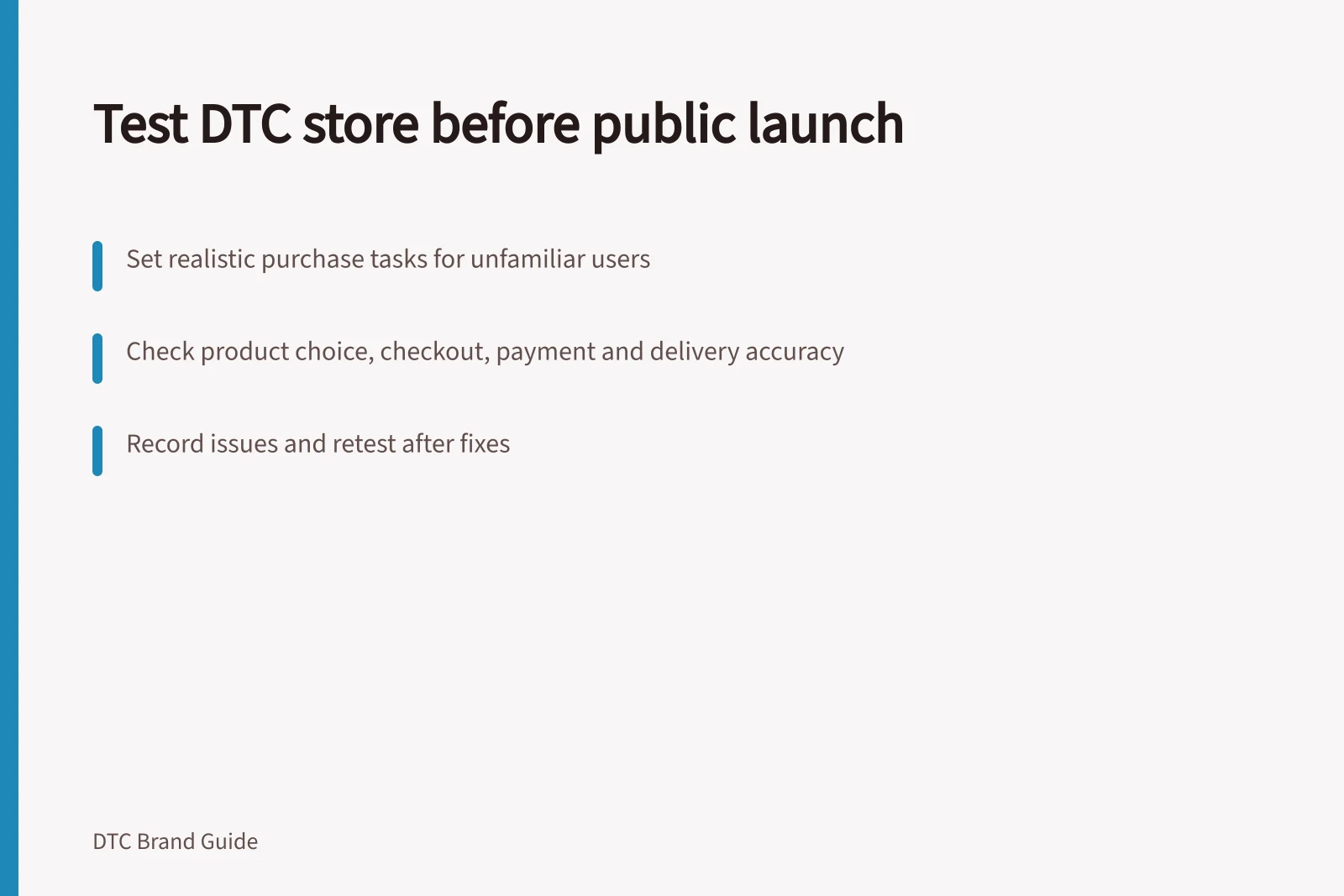
Before opening a DTC store to public traffic, set realistic purchase tasks for people unfamiliar with it. Follow each attempt from product choice through checkout, order record and customer message. Record what they saw, where they hesitated, and whether the order state matched the intended result.
Choose cases from the launch offer
Include the main item, a variant that changes fit or contents, a combined order if offered, and destinations with different charges or eligibility. Include an unavailable item to check whether the store prevents purchase or explains later availability accurately. If a discount or collection option will be advertised, check its conditions.
Give each person a task without explaining the intended answer. Ask them to find a suitable version, say what arrives, identify the total payable for a stated destination and complete an eligible order. Ask what they expect before showing them the fulfilment record. This helps distinguish unclear information from a later operational error.
Key test cases to include before DTC store launch
- Main product
- Core item from launch offer
- Variant (fit/contents)
- Different size, colour or content version
- Combined order
- If bundled items are offered
- Unavailable item
- To verify error messaging or prevention
- Discount or collection option
- Test conditions and eligibility
Follow the order through
| Stage | Compare with the approved offer |
|---|---|
| Product choice | Page, images, variant and contents |
| Cart and checkout | Price, taxes, applicable charges and delivery options |
| Payment | Resulting order state for the chosen method |
| Confirmation | Item, address, charge and delivery wording |
| Dispatch preparation | Stock reservation, packing instruction and customer update |
| Help request | Whether the customer reaches an owner who can give an order-specific answer |
For price-display questions, consult current ACCC guidance rather than assuming a checkout total settles the issue. The ACCC says it educates consumers and businesses about consumer-law rights and responsibilities, and may investigate reported concerns about price displays.
Choose a payment test method suited to the actual platform. Shopify's documentation says test orders can check checkout, inventory, shipping, notifications and tax settings. It also says a real payment followed by a refund may incur processor fees. Check the current method and state of the store being tested; other platforms may work differently.
Testing the customer journey before public launch
- Product choiceVerify page, images, variant and contents match approved offer
- Cart and checkoutConfirm price, taxes, charges and delivery options align with offer
- PaymentCheck order state matches chosen payment method
- ConfirmationValidate item, address, charge and delivery wording
- Dispatch preparationEnsure stock reservation, packing instructions and updates are correct
- Help requestTest if customer reaches a support agent who can answer order-specific queries
Record exceptions and retest
Where relevant, try an invalid address, an ineligible delivery destination and an unavailable variant. Check whether the store prevents an impossible promise or explains the condition clearly. Read messages for the distinction between order received, preparing, handed to the carrier and in transit. Check message wording against the carrier's actual tracking updates.
For each case, record the page and offer version, device, expected result, observed result, owner and severity. Treat a failed payment path, wrong total or order accepted on inaccurate stock terms as a hold for the affected path. After a correction, repeat the failed case and a nearby case that the change could affect. Keep the recorded results and remaining limits with the launch decision.
Expected vs observed results in customer journey testing
- Page and offer version
- Recorded for traceability
- Device used
- Mobile, tablet or desktop – affects layout and performance
- Expected result
- Based on approved offer and intended flow
- Observed result
- Actual user experience during test
- Owner responsible
- Team member assigned to fix issues
- Severity
- Critical, high, medium or low (e.g. failed payment path = critical)
Pre-launch customer experience validation checklist
- Invalid address testCheck if system prevents or explains error
- Ineligible delivery destinationVerify clear message about restriction
- Unavailable variantEnsure accurate messaging or block access
- Message clarityDistinguish between 'order received', 'preparing', 'handed to carrier', 'in transit'
- Carrier tracking alignmentMatch message wording to actual AusPost tracking updates